Newsletter
Join the Community
Subscribe to our newsletter for the latest news and updates
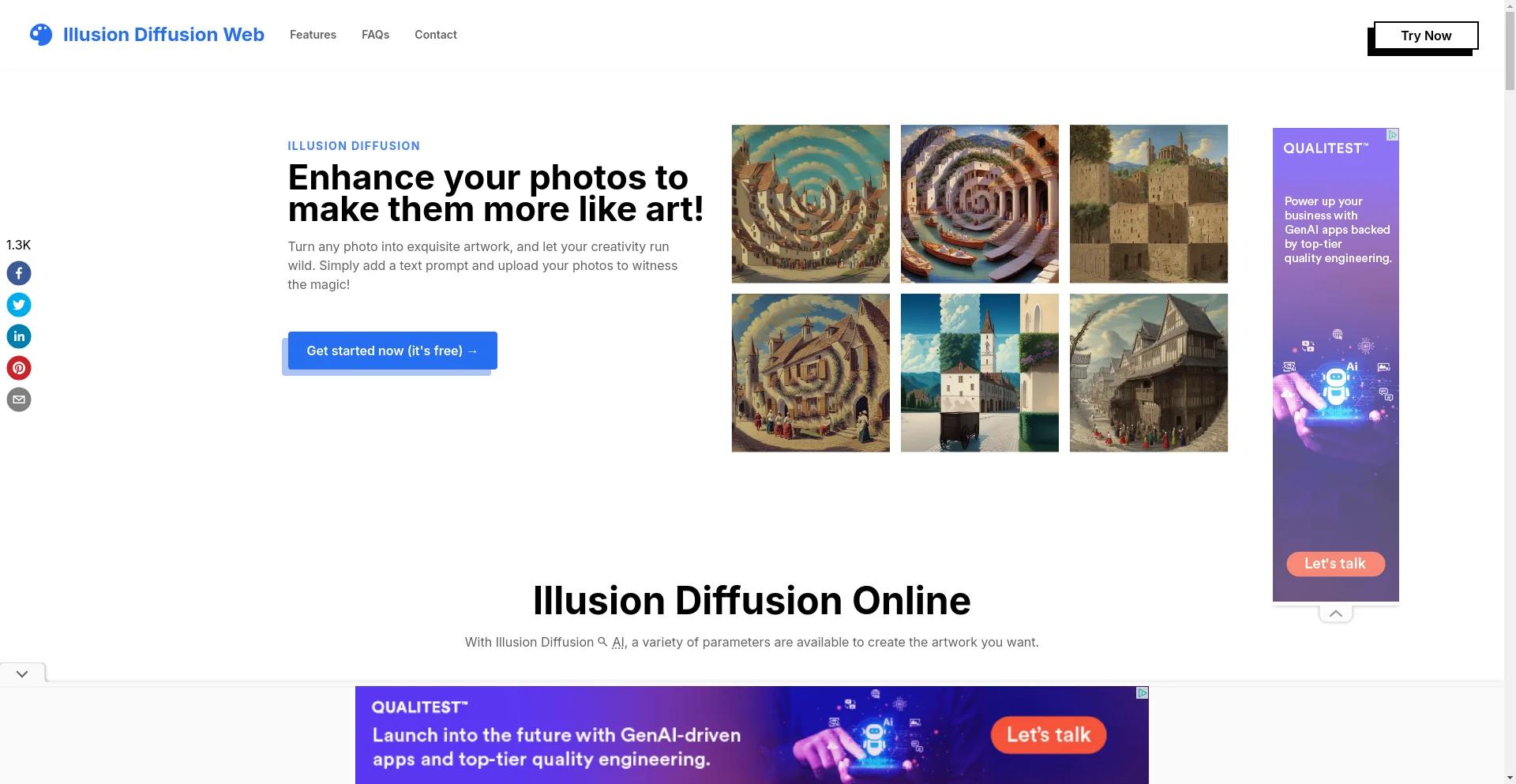
Illusion Diffusion, a free innovative AI tool, transforms and generates captivating images from prompts, blending beauty of art with AI technology.
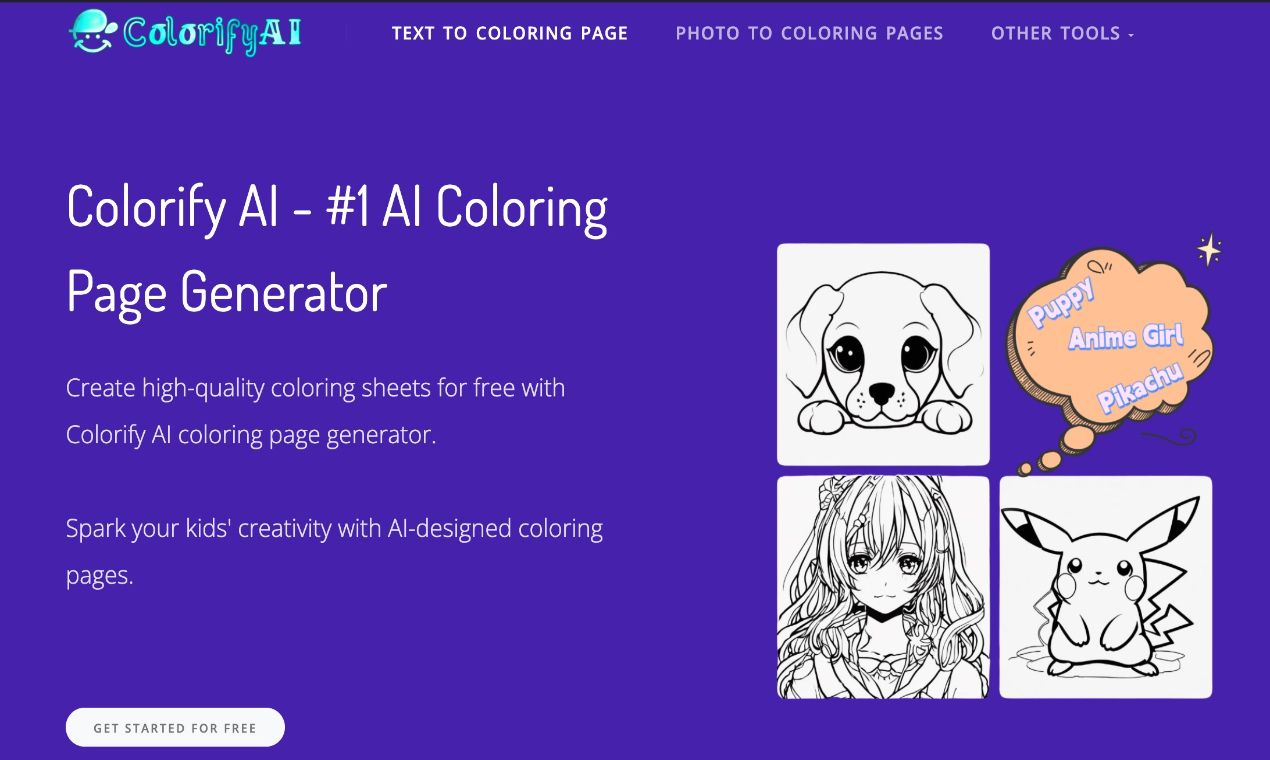
Make Your Own Coloring Pages with AI – No Signup Needed
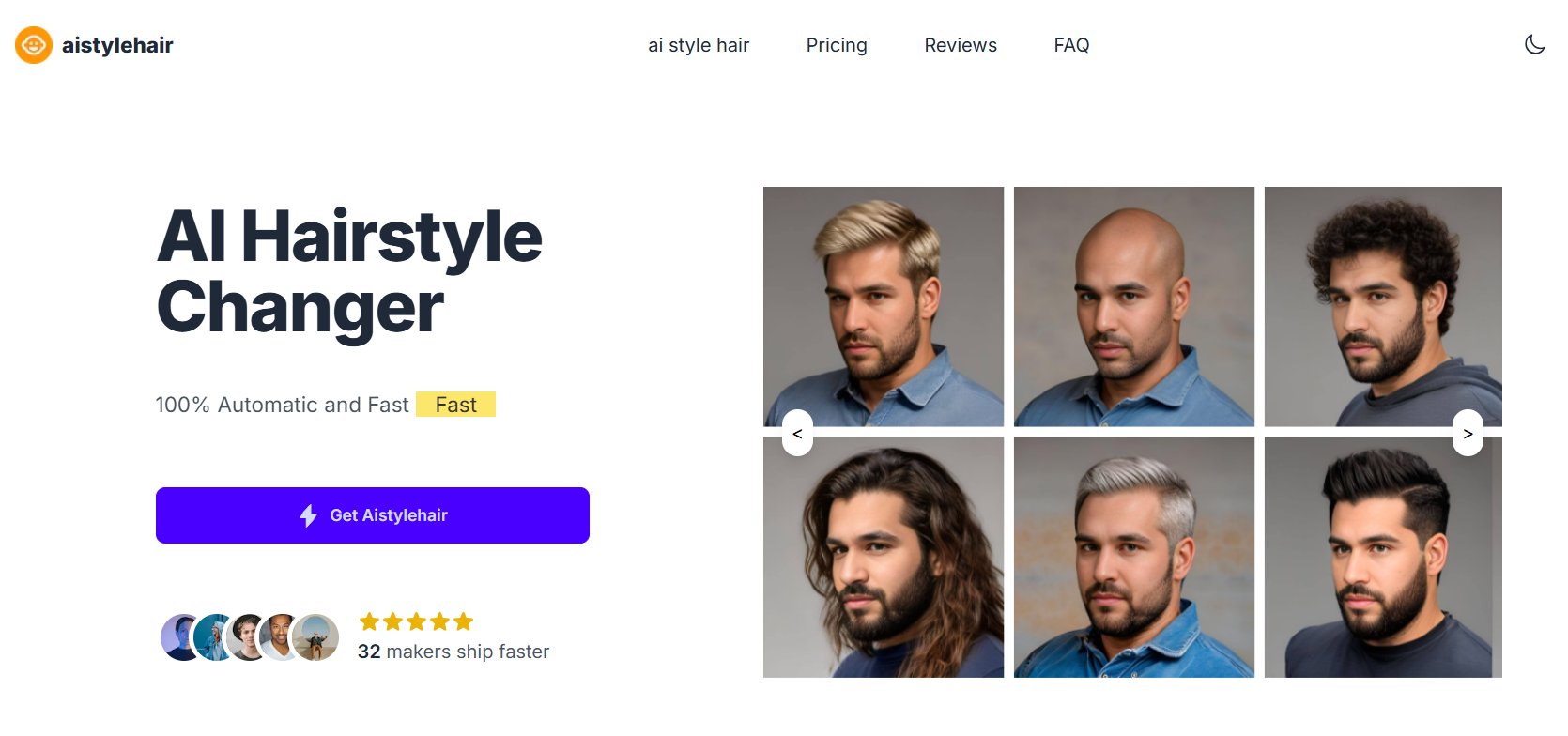
AI Hairstyle Changer For Try On Hairstyles Try on hairstyles using our Hairstyle Changer tool and discover what hairstyle suits me! Check out the AI Hairstyle Online Free tool now and effortlessly find your perfect look!
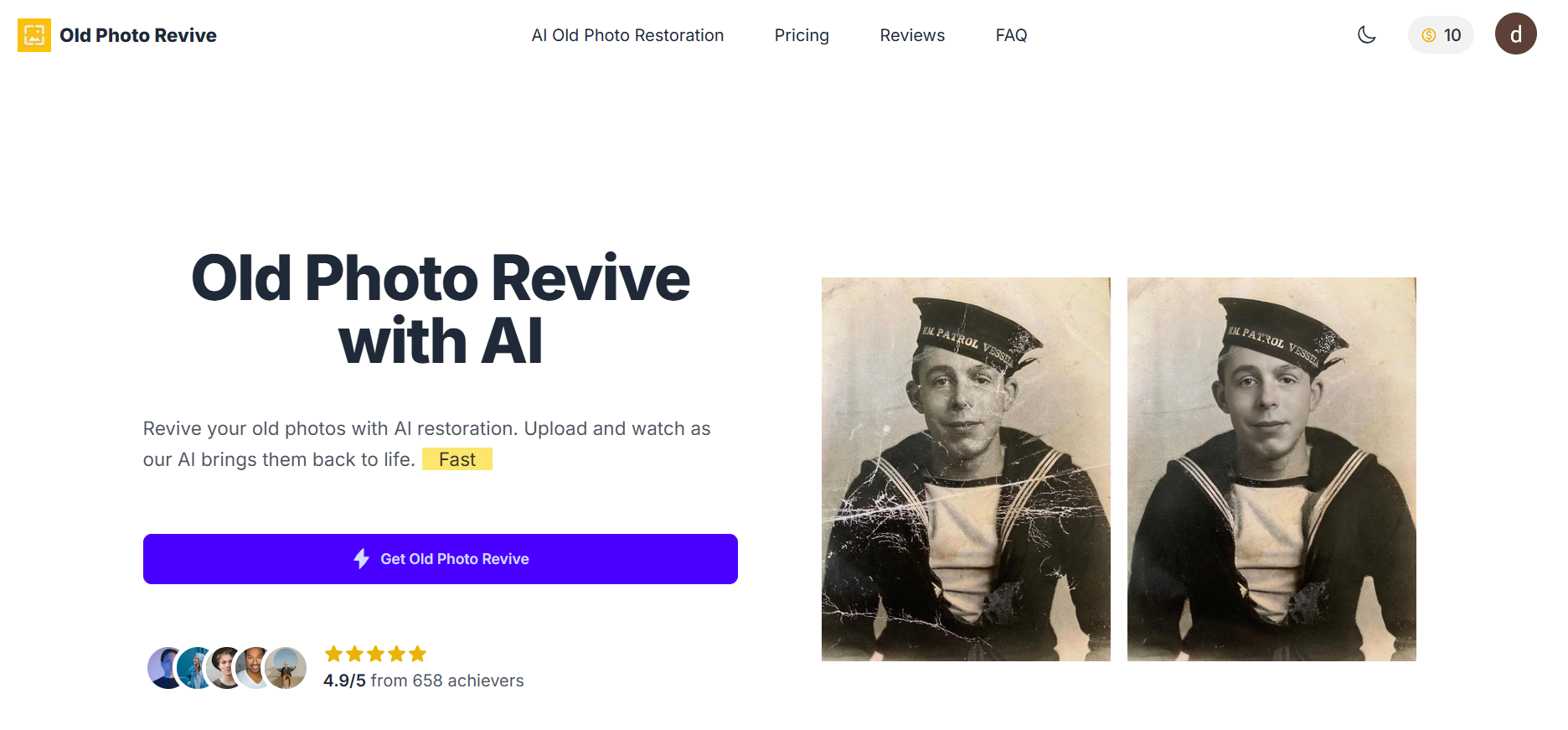
Revive your old photos with AI restoration. Upload and watch as our AI brings them back to life.
Illusion Diffusion is an AI-powered tool that transforms ordinary photos into art, using Stable Diffusion and Controlnet AI models, providing text prompts to generate optical illusions and surreal images.
The model uses advanced options and pattern-based illusions for customization, providing users with a high level of creativity and customization.
Illusion Diffusion AI transforms normal images into optical illusions through AI algorithms.
AI uses Stable Diffusion and Controlnet models to interpret prompts and generate images.
The illusion or transformation intensity of the content can be adjusted with nominal parameters.
AI behavior can be adjusted with options such as guidance scale, control parameters, upscaling strength, and seed values.
Users can choose patterns to create illusion effects, in addition to providing prompts.
AI allows for high customization and creativity, turning ordinary photos into imaginative artworks.
Here are some key example prompts for Illusion Diffusion AI:
Illusion Diffusion is an AI-powered tool that transforms ordinary photos into art, using Stable Diffusion and Controlnet AI models, providing text prompts to generate optical illusions and surreal images.
Users can generate illusion images using the Illusion Diffusion website. Users can upload images or select patterns to use. They can add text prompts and adjust the illusion strength to control the intensity of the effect. In addition, advanced settings can be used for further adjustments.
To use Illusion Diffusion, upload an image or select a pattern, provide a prompt, adjust the Illusion Strength slider, and click Run. Try different prompts, patterns, and settings to explore creative possibilities. Remember to be descriptive with prompts to help guide the AI.
The illusion strength parameter allows you to control the intensity of the illusion or transformation applied to your content.
Please be advised that Illusion Diffusion AI provides advanced settings for tailoring its behavior and output to meet your specific needs and preferences. These include guidance scale, control settings, upscaling strength, and seed values.
You can download the images to your computer, and also share them with your friends on various social media platforms such as Facebook, Twitter, and Instagram.
Ship Any AI Startups in hours, not days ShipAny is a NextJS boilerplate for building AI SaaS startups. Ship Fast with a variety of templates and components.
Bring Your Creative Vision to Life Experience the power of AI-driven content creation. Create stunning visuals and videos with just a few clicks.
Swap Face with AI Enjoy the fun of AI face swapping online by simply uploading your photo.