Newsletter
Join the Community
Subscribe to our newsletter for the latest news and updates
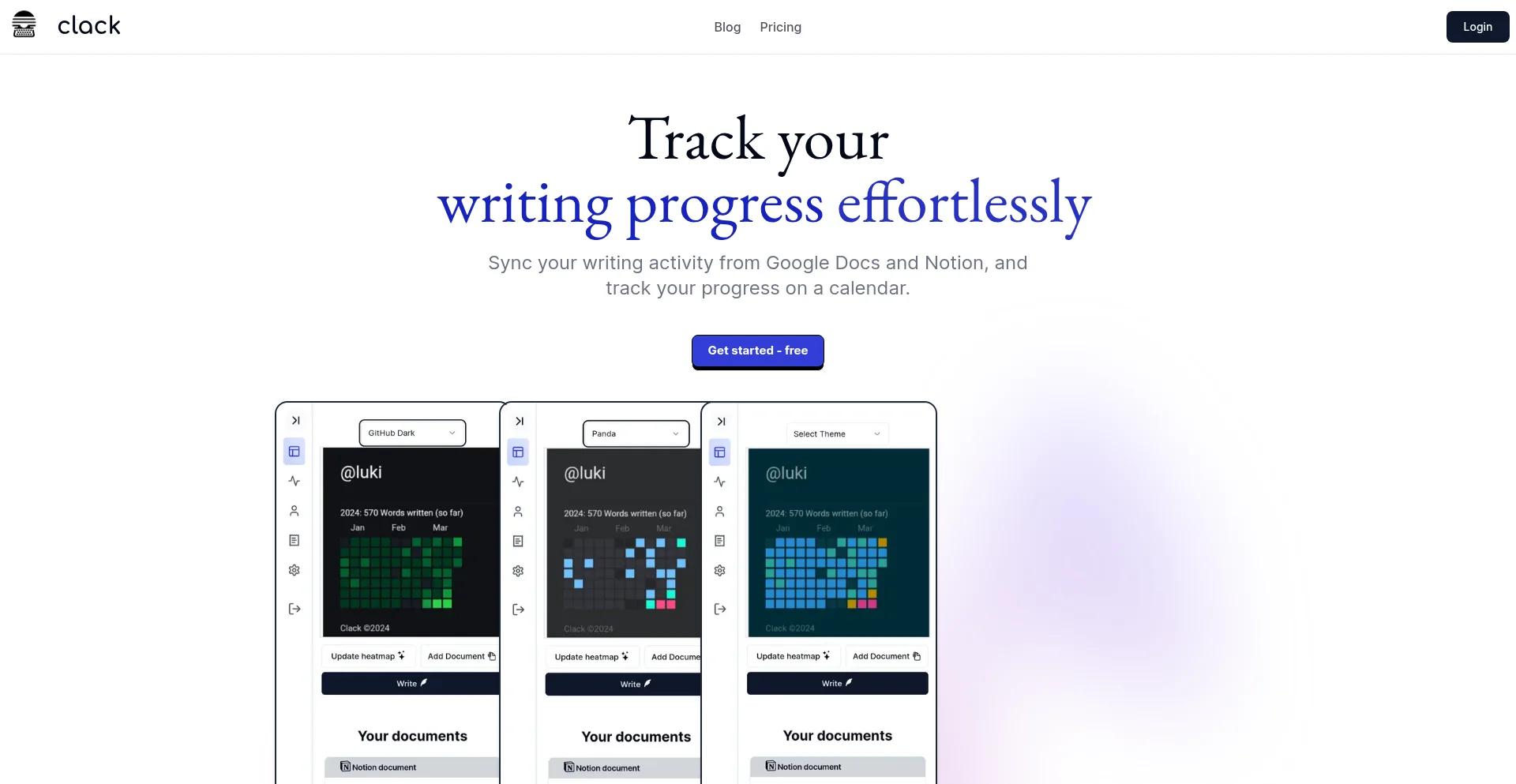
Track your writing progress effortlessly
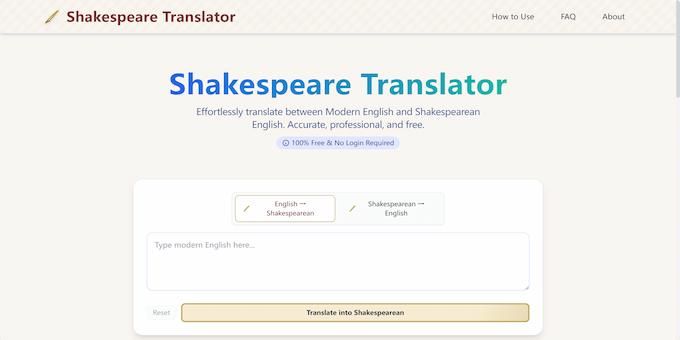
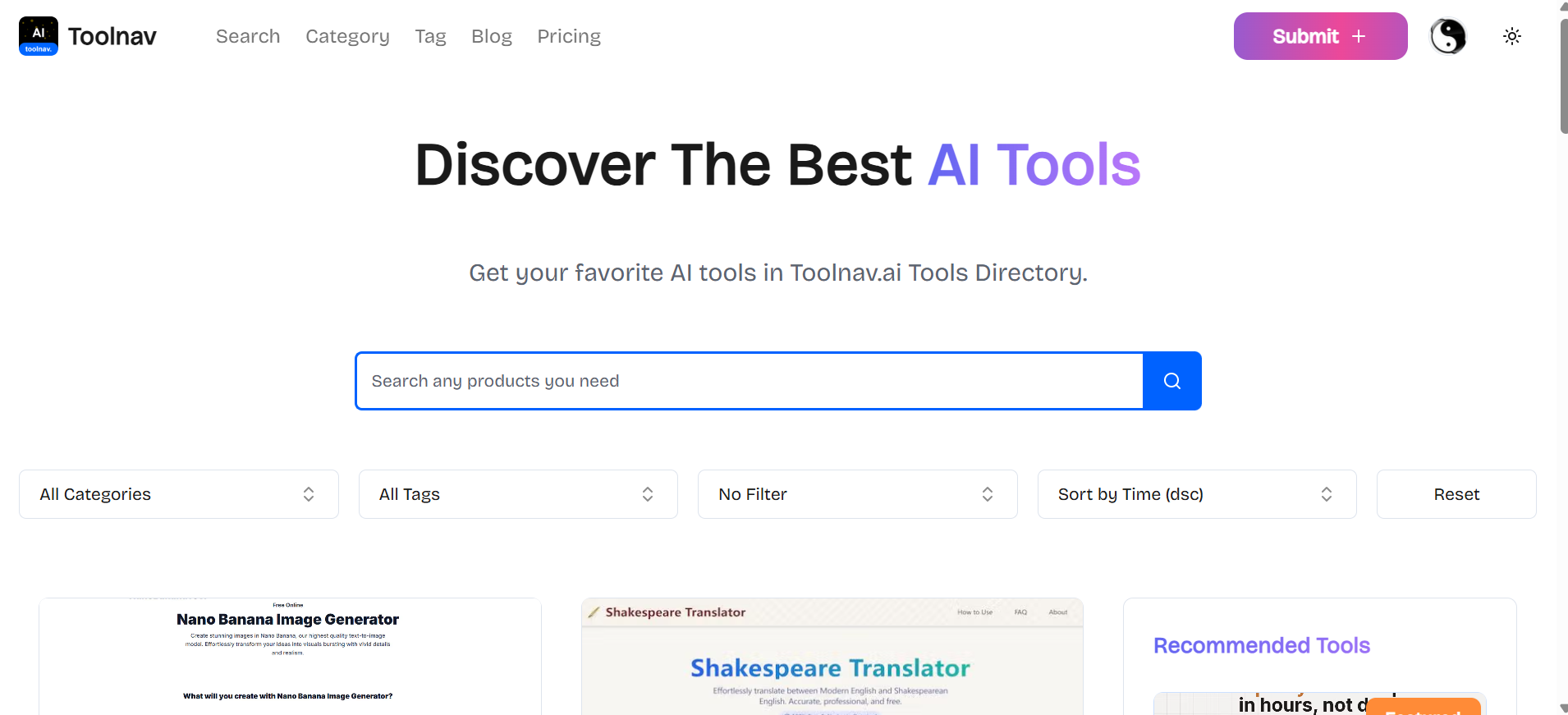
Effortlessly translate between Modern English and Shakespearean English. Accurate, professional, and free.
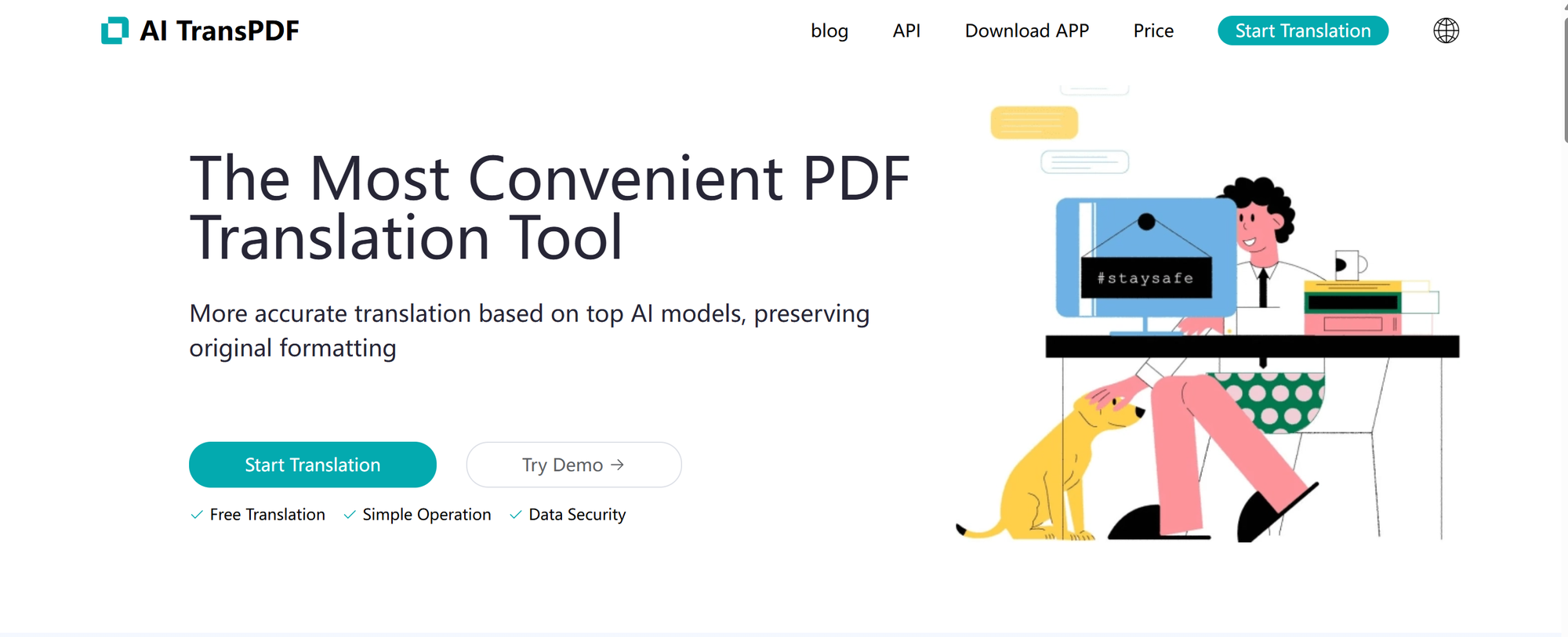
AI Document Translation | supports online translation of pdf/pptx/xlsx/epub/srt/html etc.
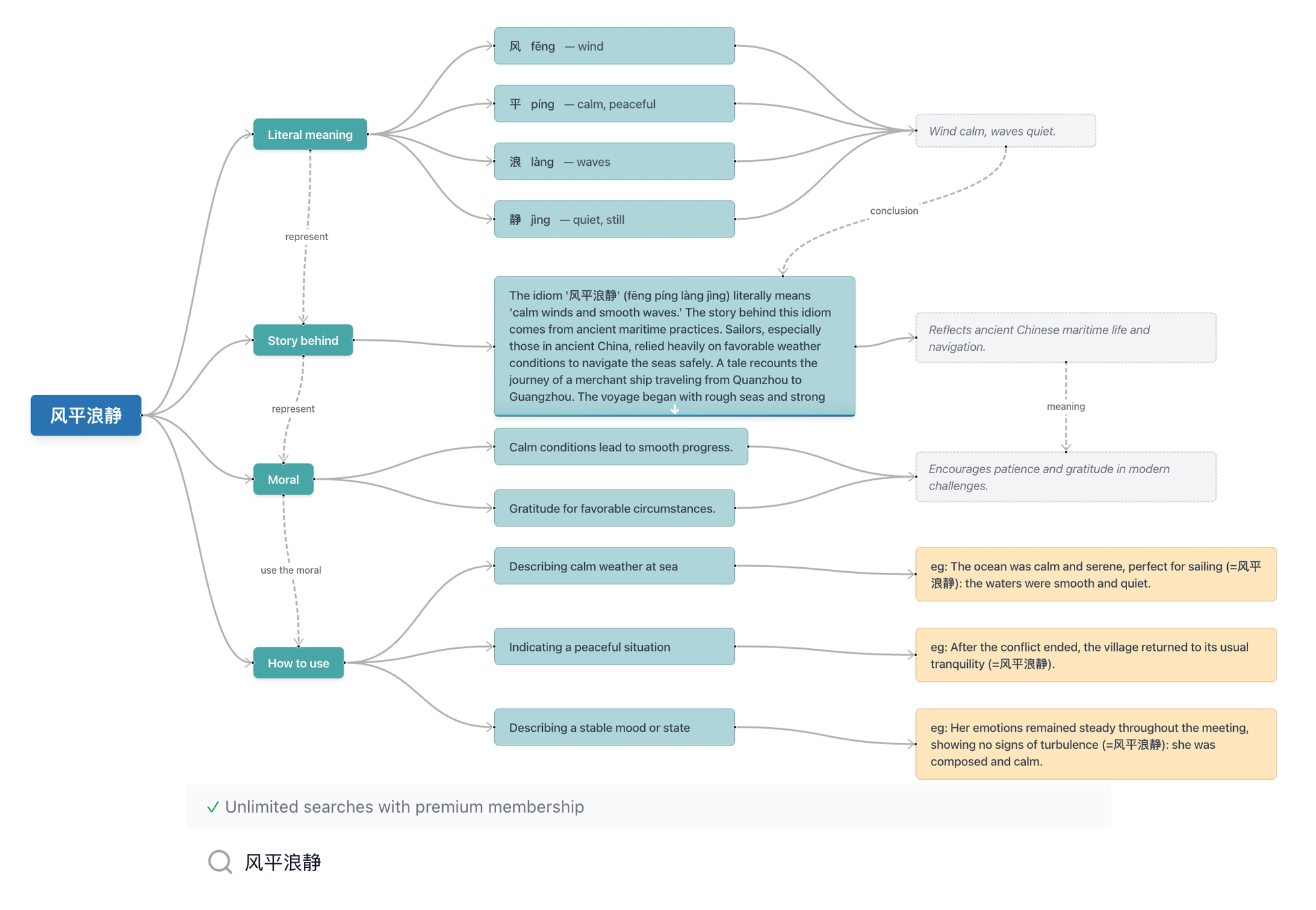
idiom.today is an innovative Chinese idiom learning platform that combines traditional wisdom with modern technology. Our mission is to make Chinese idioms accessible and engaging for learners worldwide.
Clack is a writing progress tracking tool that syncs with Google Docs and Notion, providing a neat and clean UI to visualize your writing activity on a calendar.
Clack offers a range of features to enhance your writing capabilities, including:
To get started with Clack, simply sign up for a free account and start tracking your writing progress effortlessly.
Clack offers a free plan, with optional subscription upgrades for additional features and support.
Yes, Clack stores your documents encrypted with AES-256-CBC encryption for maximum security.
Yes, Clack integrates seamlessly with Google Docs and Notion, making it easy to incorporate into your existing workflow.
Clack offers optional subscription upgrades for additional features and support.
SellerPic: AI-powered tool for e-commerce. Instantly create high-quality product images, videos, and realistic scenes to boost sales. No skills needed.
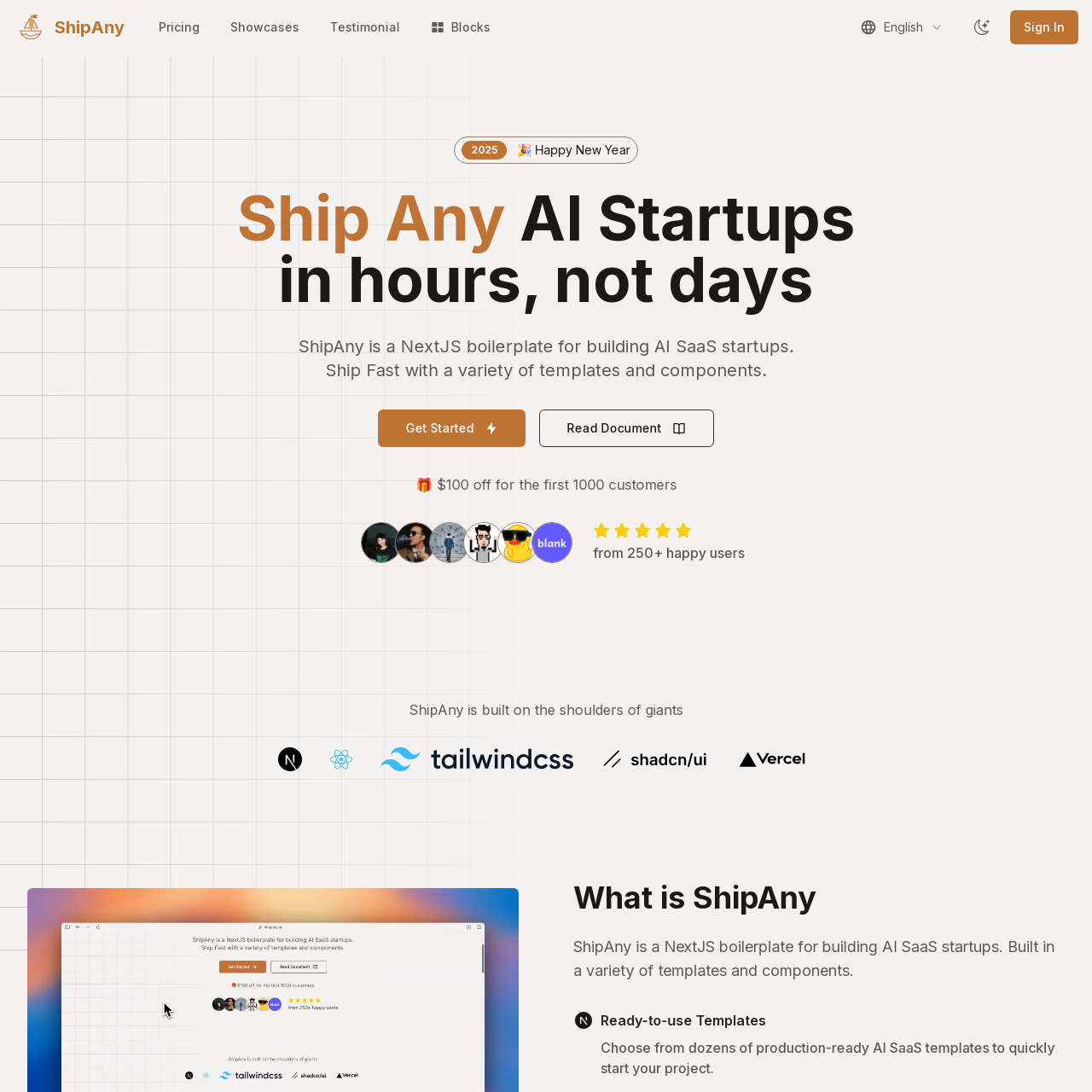
Ship Any AI Startups in hours, not days ShipAny is a NextJS boilerplate for building AI SaaS startups. Ship Fast with a variety of templates and components.