Newsletter
Join the Community
Subscribe to our newsletter for the latest news and updates
Meet Uxer, your AI-powered automation assistant. Automate tasks and workflows for Windows, Mac, iOS, Android, and browsers with AI Agents.
Filtrix.ai – Instantly transform your photos into art and magically turn images into videos. One platform. Countless styles. Zero hassle.
SellerPic: AI-powered tool for e-commerce. Instantly create high-quality product images, videos, and realistic scenes to boost sales. No skills needed.
Uxer is a personalized AI automation assistant that makes automation easy and accessible for everyone. It automates tasks across Windows, Mac, browser, iOS, and Android, and becomes smarter with every interaction—powered by advanced computer vision and AI.
Uxer provides an intuitive automation solution for both technical and non-technical users. Automating tasks is as simple as using a command like Click Button ‘Login’.
Uxer’s Personalized AI builds a unique knowledge base from your inputs and previous scenarios. When creating new automation, Uxer uses this knowledge to generate scenarios for you.
AskUxer is Uxer’s built-in ChatGPT-like feature that lets users ask questions, get dynamic responses, and extract on-screen data.
Uxer simplifies the automation process by eliminating the need for traditional selectors such as CSS and XPath.
Uxer uses advanced NLP to translate natural language commands into executable actions.
Uxer makes it easy to automate tasks on both Windows and Mac desktops, as well as browsers. It also supports mobile automation.
Enjoy the flexibility of Uxer’s scripts, where commands like “Click Text ‘Log in'” perform consistently across the Mac, Windows, iOS, and Android versions of your app.
Uxer’s scripting language is based on a simple text file format, making it easy to write and edit automation scripts.
Uxer allows you to create flexible workflows by combining multiple scenarios into one.
Uxer includes a RunCommand feature that lets users execute terminal-like actions within their automation scenarios.
Uxer provides open APIs for integrating with other tools and systems.
Uxer offers fast troubleshooting tools like single-step and multi-step runs, allowing users to check each step of their automation scenarios individually.
Uxer includes a screen scraper tool for custom image detection.
Uxer allows you to start automation with an already open window.
Uxer works with your existing browser rather than a separate automation browser.
Uxer includes a built-in retry feature that waits until elements appear on the screen.
Uxer provides detailed reports for each automation execution, including screenshots.
Uxer supports both local and remote execution.
Uxer allows users to schedule automation scenarios for recurring execution.
Uxer enables unlimited user collaboration, allowing you to invite as many users as needed to work on automation projects.
Uxer provides advanced configuration options at the project, scenario, and step levels.
Uxer supports automation in multiple languages, even if the application language is English.
Uxer is designed to be user-friendly and accessible for everyone. With its intuitive interface and advanced AI capabilities, you can automate tasks across various platforms and devices.
Uxer offers a free trial, and its pricing plans are designed to meet the needs of various users and businesses.
Uxer is used for automating tasks across various platforms and devices, including Windows, Mac, browser, iOS, and Android.
Yes, Uxer is designed to be user-friendly and accessible for everyone, with an intuitive interface and advanced AI capabilities.
Yes, Uxer offers a free trial, and its pricing plans are designed to meet the needs of various users and businesses.
SellerPic: AI-powered tool for e-commerce. Instantly create high-quality product images, videos, and realistic scenes to boost sales. No skills needed.
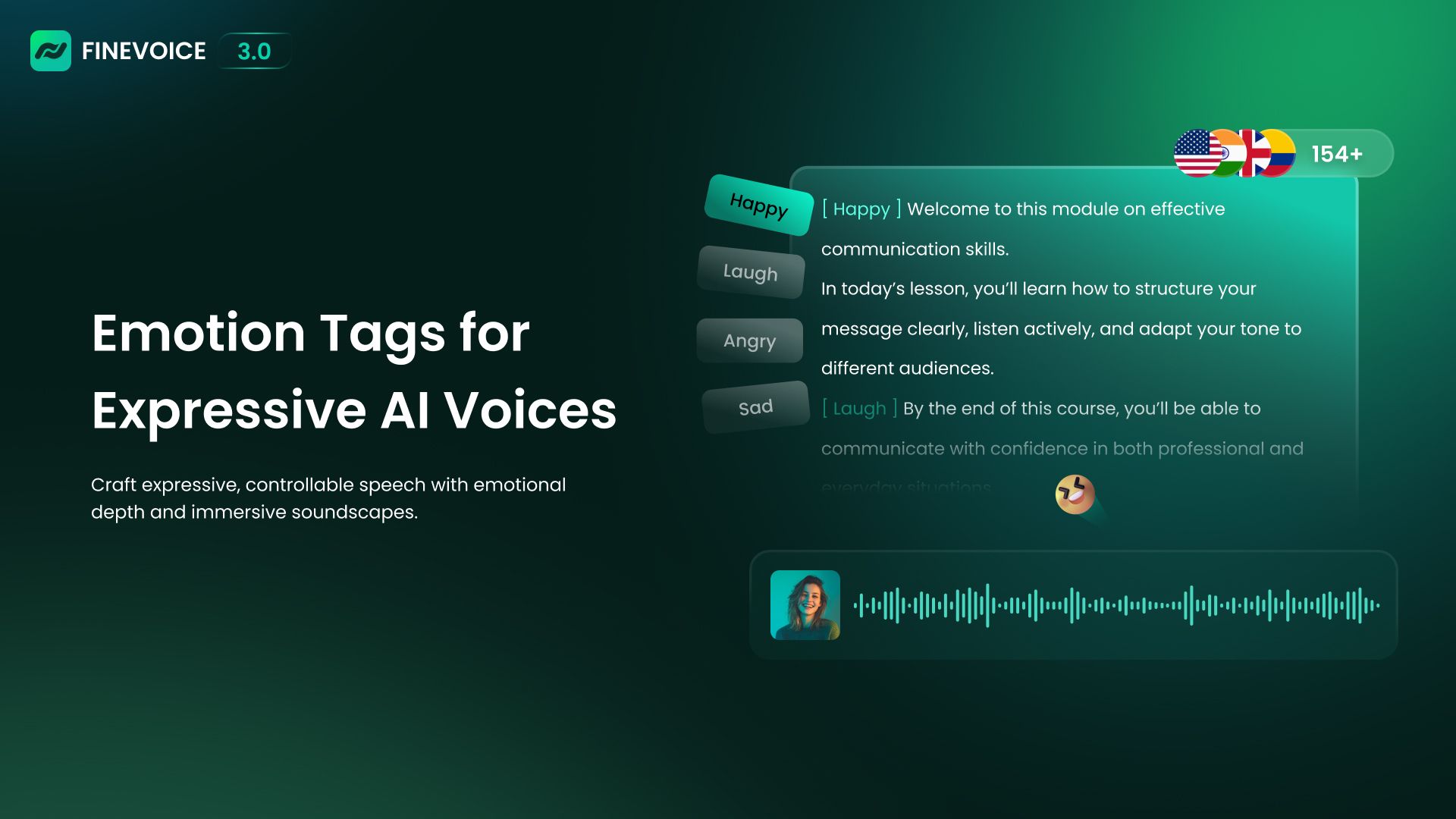
Free AI text-to-speech online with natural voices. Customize style, speed, pitch, and emotion for voiceovers.